
Phone Storage Size: How to Pick Without Overpaying
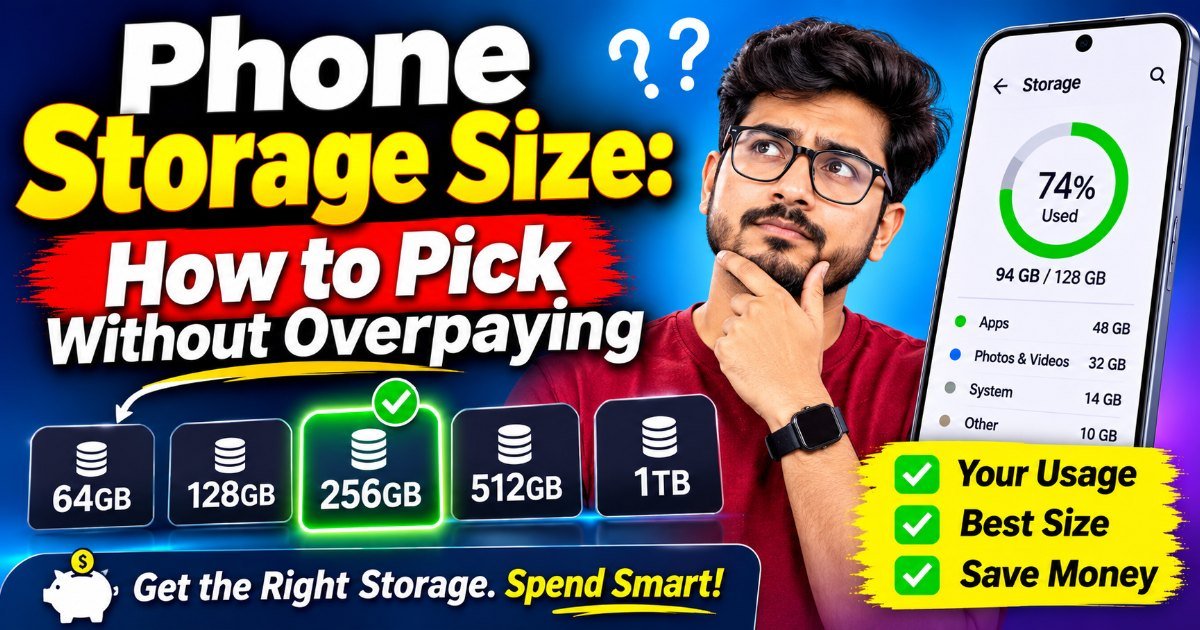
You just walked out of the store with a shiny new phone, and already the salesperson is nudging you toward the 512GB model. Picking a phone storage size is the part where you quietly overpay. (He gets a commission. You get a bill that shows up two years later.) Here's the thing: most people don't need half that space, and the price jump between storage tiers is one of the biggest rip-offs in the phone world.
The catch? Phone makers make most of their margin on storage upgrades. A 128GB and a 512GB version of the same phone can differ by $200 or more, even though the actual memory chip inside costs them almost nothing extra. So the smartest money you'll spend on a phone might be the $0 you don't spend on storage.
How to choose a phone storage size
Start with what actually lives on your phone. A fresh device with nothing installed typically shows around 15–25GB used by the operating system itself — iOS and Android both ship heavier these days. From there, it's a simple math problem:
- Photos and videos. This is the real storage hog. A single 4K video can eat 400MB to 1GB per minute. A weekend trip easily produces 10–20GB. If you shoot a lot of video, storage anxiety is not hypothetical.
- Apps. Social media apps, games, and messaging apps balloon over time. WhatsApp alone can quietly accumulate several gigabytes of media. Instagram and TikTok cache videos you'll never watch twice.
- Offline music and downloads. A few hundred songs is maybe 2–5GB. Offline movies add up fast if you travel.
A good rule of thumb: figure out your average monthly use and multiply by the two years you'll likely keep the phone. If you're a heavy camera user, assume growth.
Is 128GB enough for a phone?
Short answer: for most people, yes — but with one condition. 128GB works beautifully if you're willing to offload photos to the cloud, delete old messages periodically, and treat your phone as a device, not a hard drive.
The problem is that "128GB" is marketing. Real usable space is closer to 110GB once the OS, pre-installed apps, and system reserves take their cut. That leaves you with a working buffer of maybe 60–70GB before you start seeing the low-storage warnings. It's fine. It's just tighter than it looks.
If you take a lot of photos, record video regularly, or keep offline movies for flights, 128GB will frustrate you within a year. That's when the nagging "Storage Full" banner becomes your daily commute.
128GB vs 256GB: where the money goes
This is the decision most people actually face, and it's where manufacturers make their real profit. The jump from 128GB to 256GB is commonly $50–$100 on flagship phones, and sometimes more.
Here's my honest take: 256GB is the sweet spot for anyone who doesn't want to think about storage for the next two years. It gives you breathing room, and the premium is usually worth the peace of mind. The exception is if you already back everything up religiously — in which case, save the money.
Skip 512GB unless you fall into one of these buckets. For everyone else, it's expensive insurance you probably won't claim.
Who should skip the upgrade
You don't need the top tier if you:
- Use Google Photos or iCloud with optimized storage enabled
- Keep fewer than 500 photos and no long-form video habit
- Don't download games or keep offline movies
- Plan to trade in or replace the phone within two years
(One honest caveat: if you buy used or refurbished, the math changes. A discounted 256GB model can be a better value than paying full price for 128GB — sometimes the used premium is smaller than the new one.)
Phone storage tips that save you money
Before you click "buy," try these. Delete messaging apps' media caches — that's often 5–15GB of stuff you already saw. Move photos to cloud storage with a cheap annual plan. Use Android's "Adaptive Storage" or iOS's "Optimize iPhone Storage," which keeps full-resolution files in the cloud and downsamples what lives locally. And if you shoot a lot of video, set your camera to 1080p instead of 4K. You won't notice the difference on a small screen, and you'll halve your storage use.
Key Takeaways
- 128GB is enough for light users who back up photos and don't shoot much video.
- 256GB is the safe middle ground — worth the $50–$100 premium for most people.
- 512GB is for photographers, travelers, and mobile gamers only.
- The OS and pre-installed apps eat 15–25GB before you install anything.
- Cloud backups and periodic cache cleaning can save you a storage tier.
Frequently Asked Questions
Is 128GB enough for a phone in 2026? For casual users, yes — if you use cloud photo backups and clear app caches regularly. But if you record video or keep offline content, you'll hit the wall within a year, and 256GB is the safer bet.
How much phone storage do I need for a new phone? Most people do fine on 128GB or 256GB. Only power users — heavy camera work, offline travel media, or large mobile games — need 512GB or more. Start by checking your current phone's storage breakdown to see what you actually use.
Is it worth paying extra for 256GB over 128GB? Usually yes, if you plan to keep the phone for two or more years. The $50–$100 premium buys you years of not stressing over a full drive, which is hard to price until you're stuck with no space on a road trip.
How did this story feel?
Be the first to react
Written by
TechPulse Team
The TechPulse editorial team publishes clear, practical technology guides. Every article is original and written to be understood — not just skimmed.
Comments (0)
No comments yet — start the conversation!
Keep reading
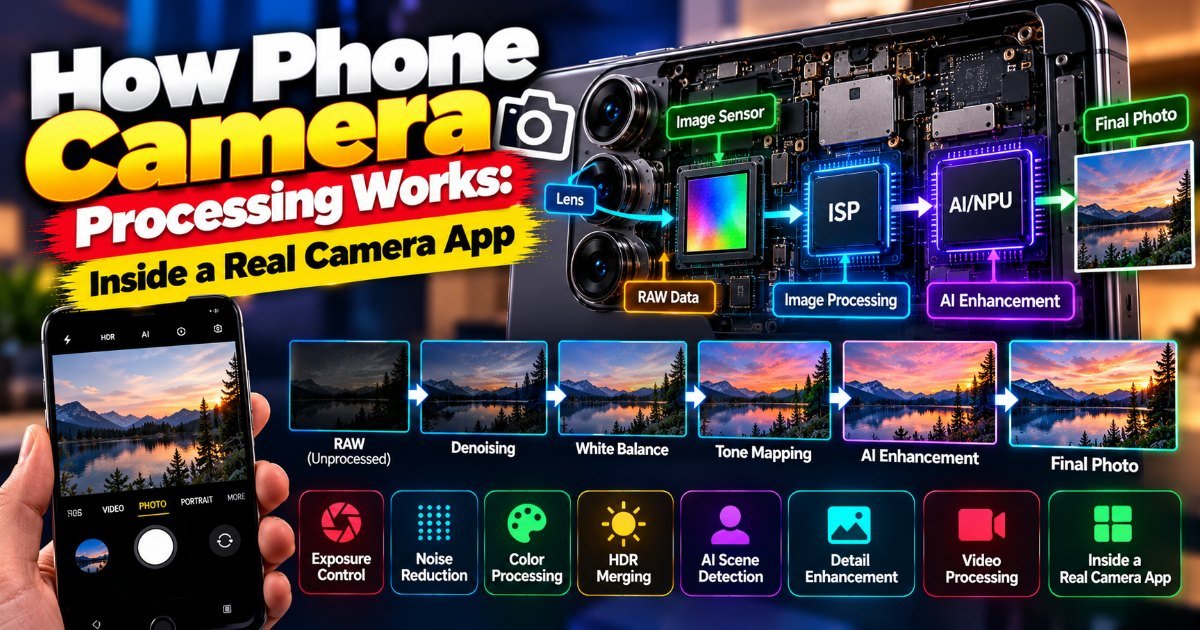
How Phone Camera Processing Works: Inside a Real Camera App
You're at a concert. The stage lights are a mess — deep blues, harsh reds, and the singer's face lost in shadow. You raise your phone, and the screen shows…
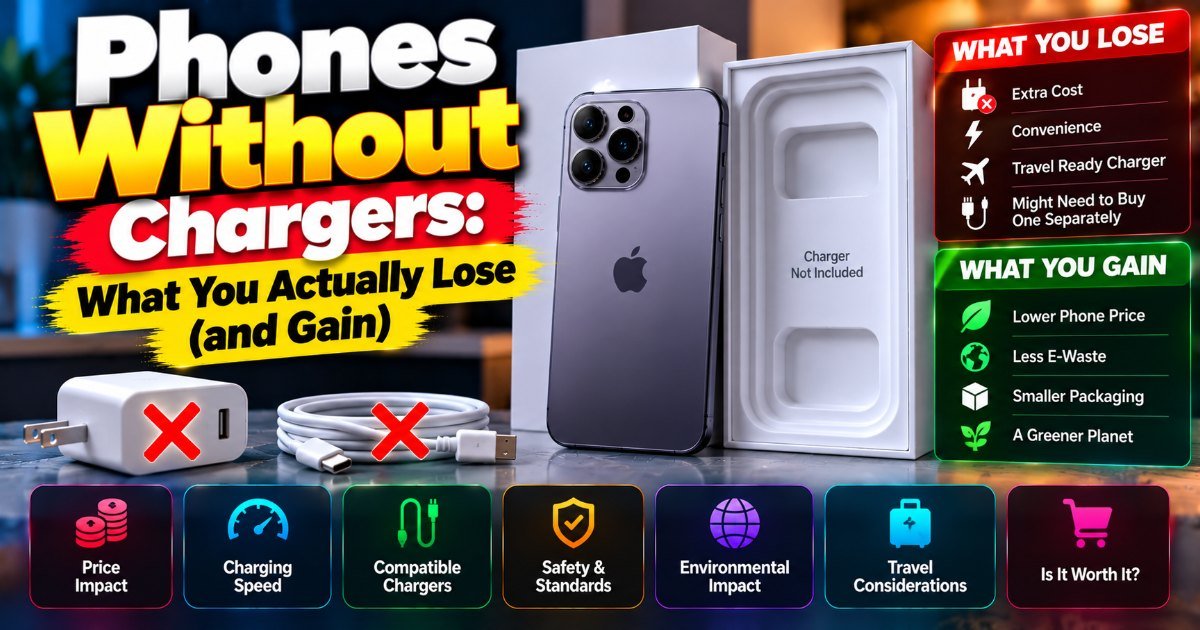
Phones Without Chargers: What You Actually Lose (and Gain)
You unbox a new phone, peel the plastic, and reach for the charger. It's not there. Again. This is the reality of phones without chargers in 2026 — it's been…
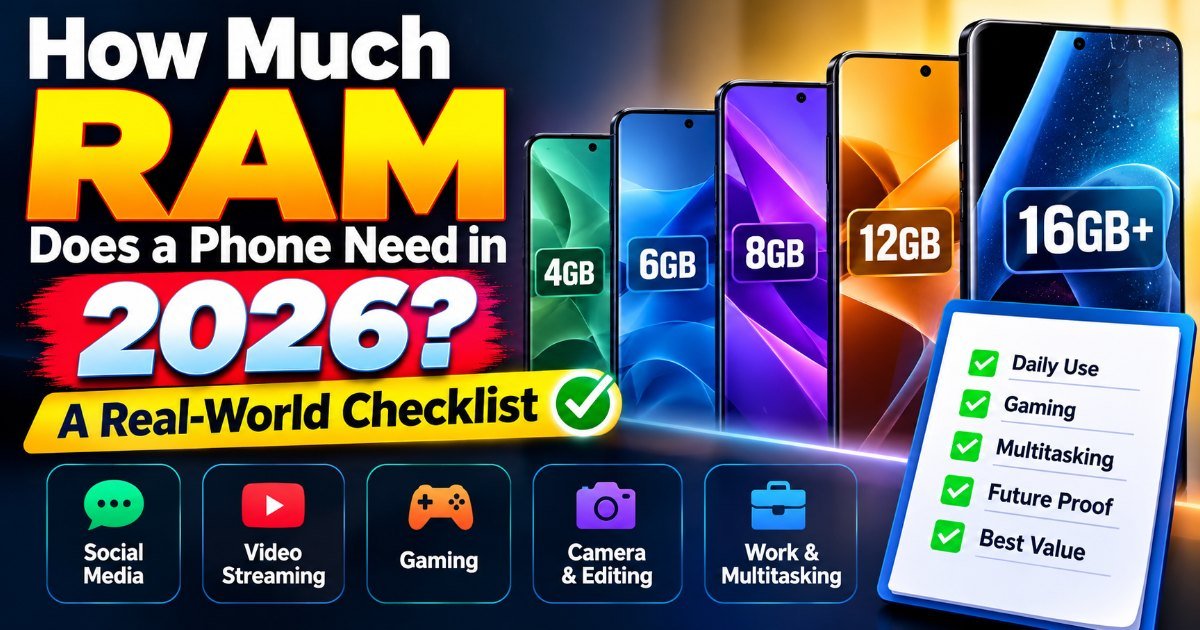
How Much RAM Does a Phone Really Need?
You're on the 7:15 train, juggling three apps at once — Slack pings, your calendar reminder pops, and you're drafting an email. Your phone stutters. Again. So…